Transferring investments between accounts
Published: Oct 17, 2022
Updated: Dec 05, 2024
Learn all about how to make a request to transfer investments between Questrade accounts.
Follow these steps to request a transfer:
Log in to your Questrade account.
Head over to the Move money page, and click on Transfer.
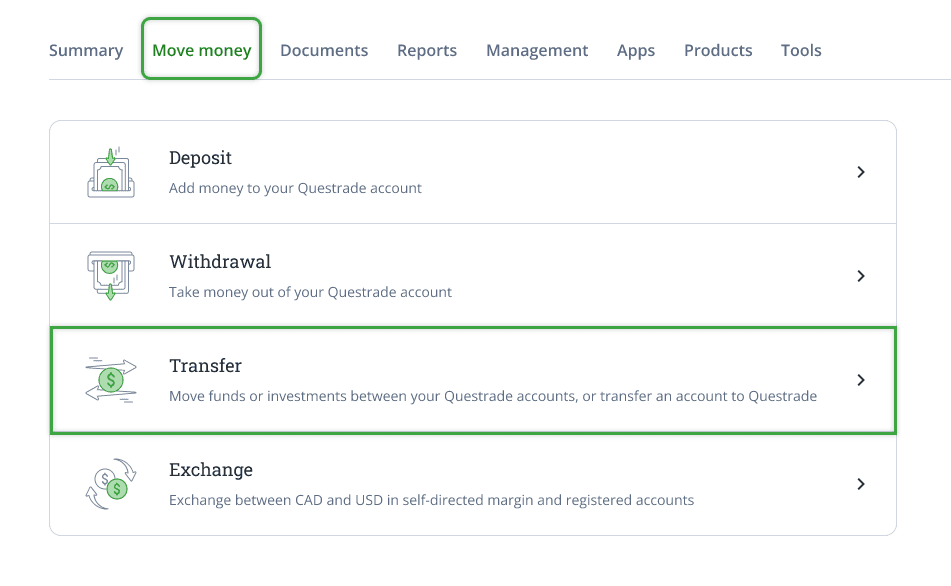
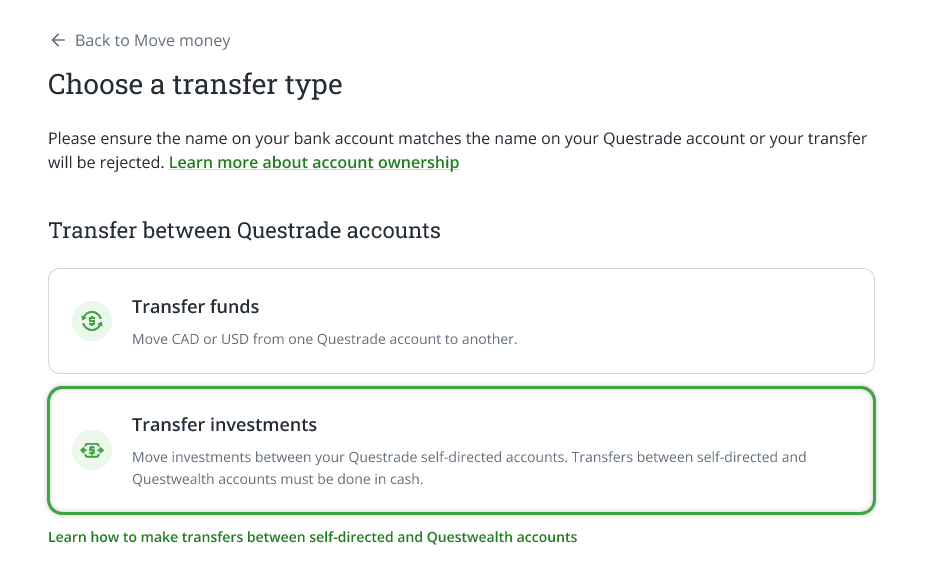
Inside the Transfer page, click on Transfer investments to start transferring investments between your accounts.
Enter your transfer details
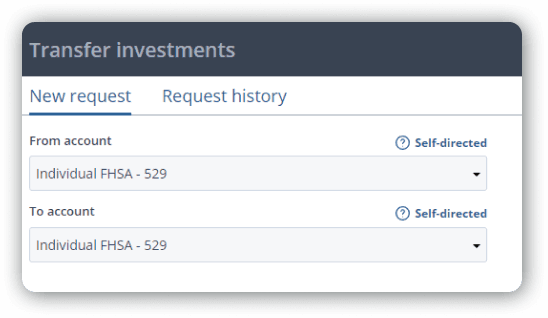
Choose the ‘From’ or originating account from the drop-down menu.
Select the ‘To’ or destination account below.
Please note: If you are transferring from a Questwealth account to a self-directed trading account, (Or vice-versa) please see the linked article in this lesson for more information.
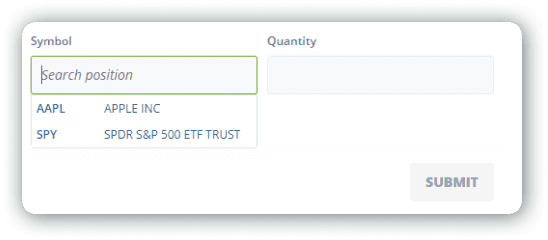
On the bottom left, search for the ticker symbol or name of the investment you’re looking to transfer, and click the investment to add it to your request.
On the right side, enter the amount of shares you’re transferring.
Once you’re finished with the details, click the green ‘SUBMIT’ button to complete your request.
You can follow up the status of your transfer by clicking on the Transfer tab under the Move money page > Move money history.