How to update spousal information in your profile
1 min read
Published: Oct 17, 2022
Updated: Oct 17, 2022
A step-by-step guide to update your spouse or common-law partner’s details on your Questrade account.

Updating your spousal information on PC/Mac
Step 1:Log-in (opens in a new tab) to your Questrade account.
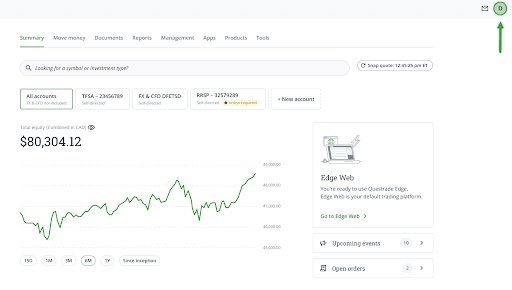
Step 2: In your Summary page (your default page when you log in), click on your profile button at the top right of the screen.
Step 3: In your personal profile setting, head over to the Marital status option and click on the Edit button.
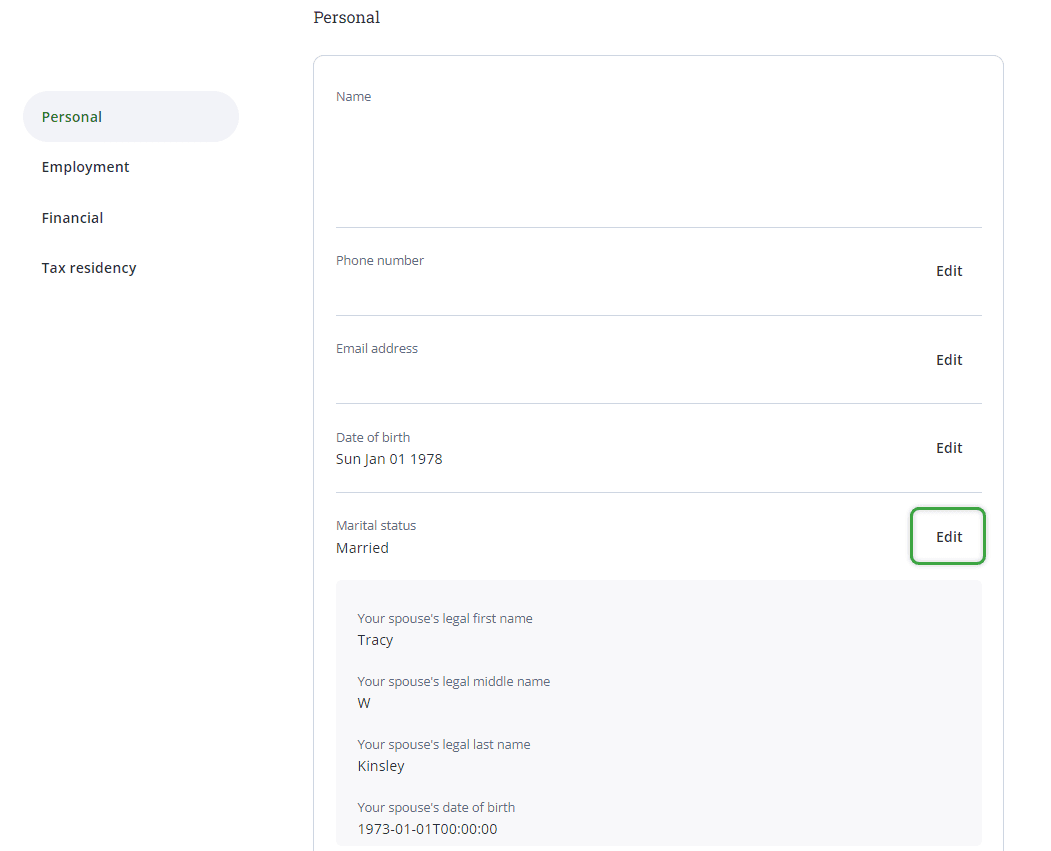
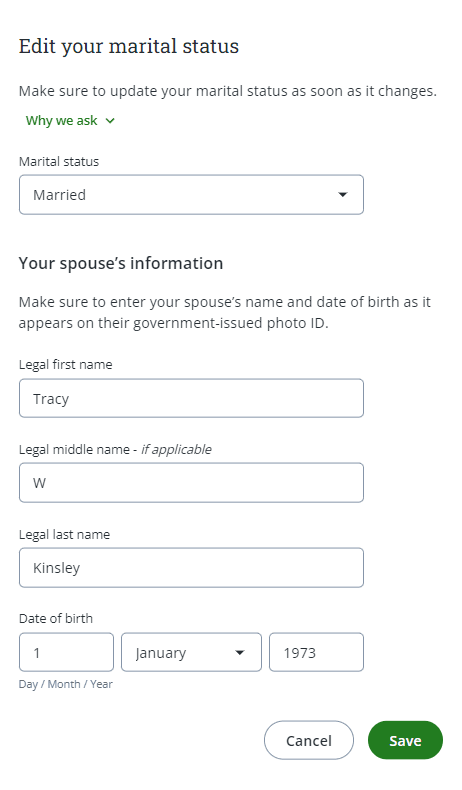
Step 4: Enter your spouse or common-law partner’s details, then click the green Save button at the bottom right of the page to save the information.