How to add Questrade Edge
Published: Oct 17, 2022
Updated: Mar 05, 2025
Learn how to add Questrade Edge Web and Questrade Edge Desktop for advanced trading features.
Adding Questrade Edge allows you to access Questrade Edge Web and Questrade Edge Desktop for more trading features.
Questrade Edge offers advanced trading features on both its Web and Desktop platforms completely free.
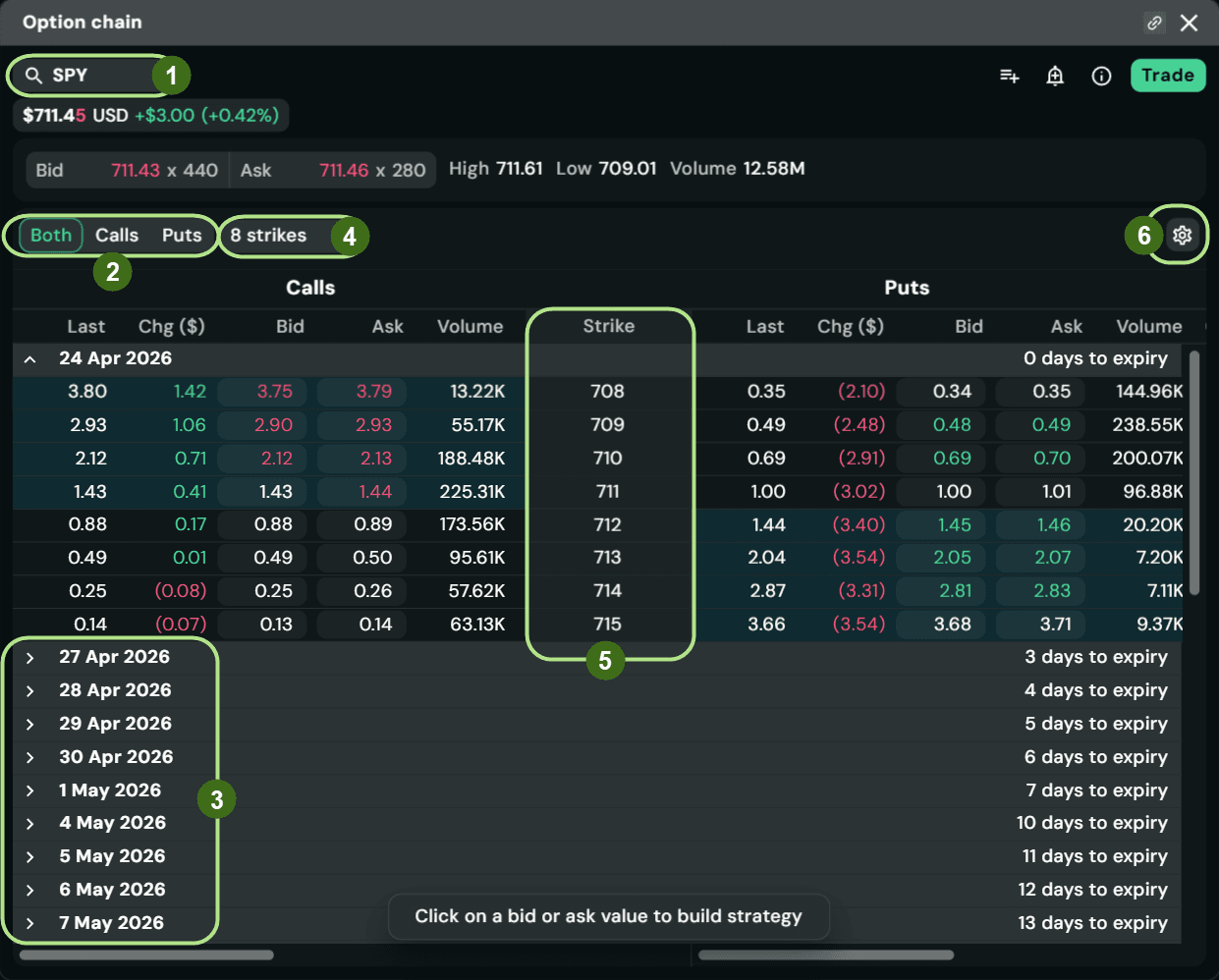
Questrade Edge Web is our online platform that allows you to start trading using more complex orders, types, and durations.
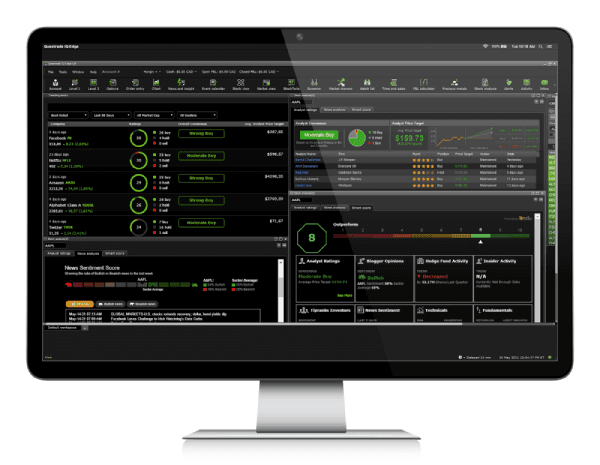
Questrade Edge Desktop is our desktop platform for active and pro traders with advanced screeners, customized charting, and alerts.
To add Questrade Edge, simply:
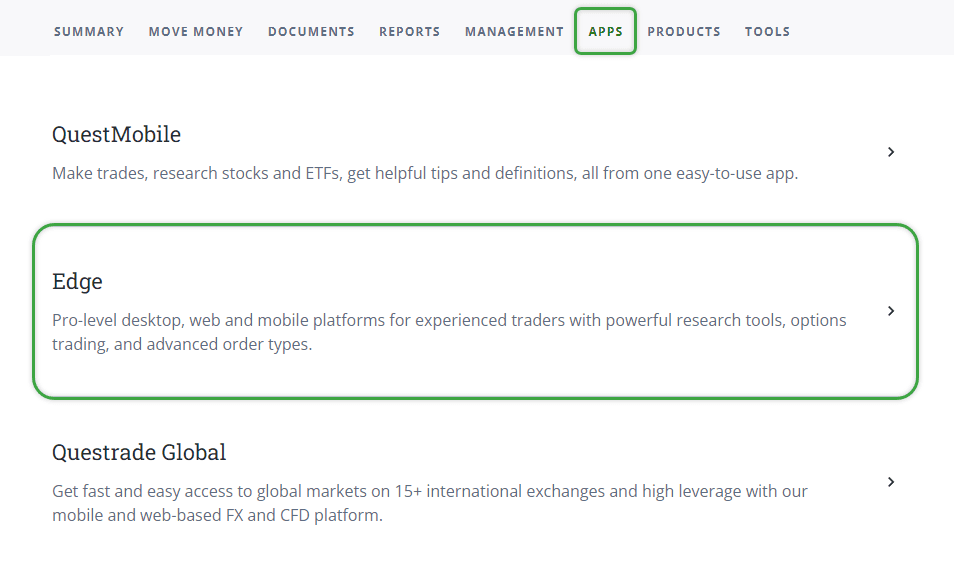
Head over to the Apps page on the top navigation bar. From here, click on Edge.
Once you’re inside the Questrade Edge page, click on the Add Questrade Edge button.
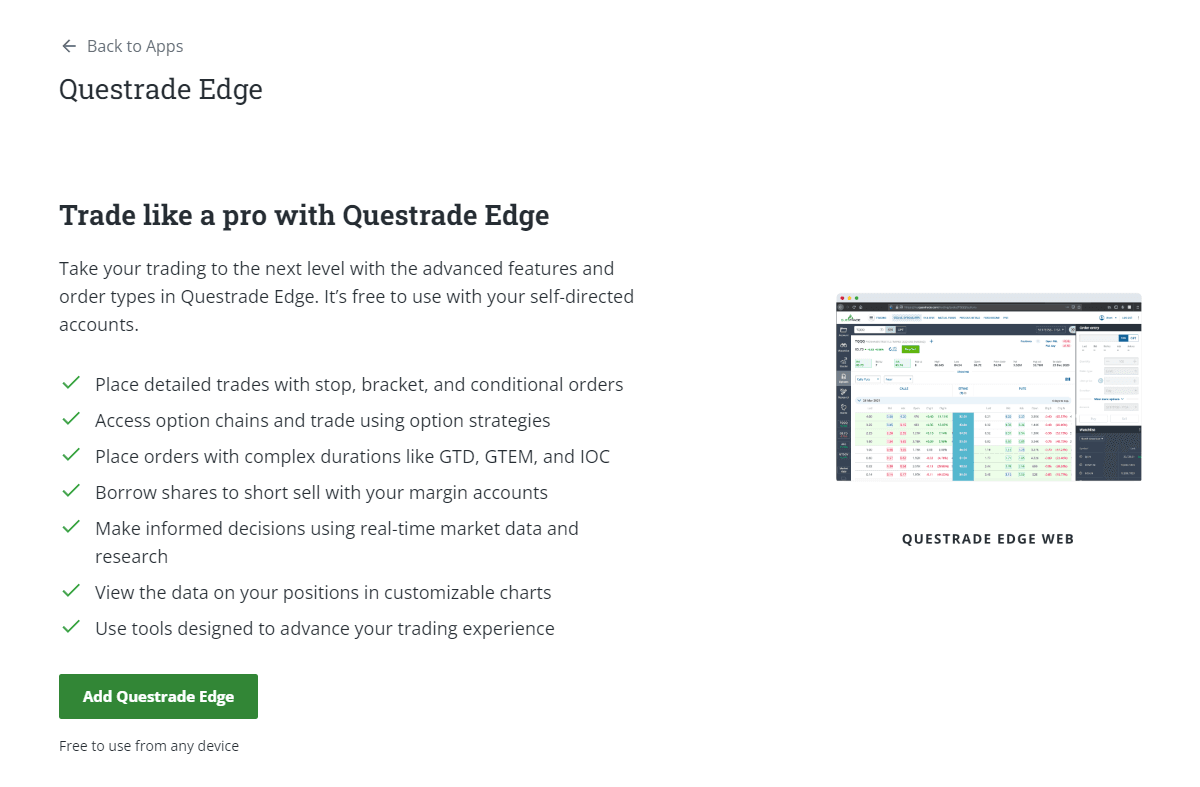
Select the Questrade Edge platform tabs (Web, Desktop, and Mobile) for more information on each platform.
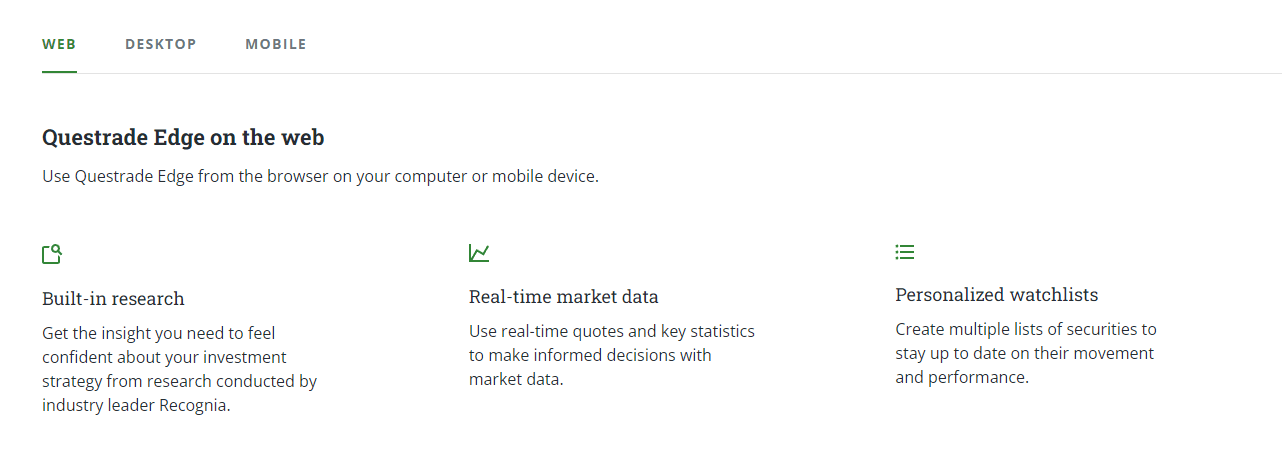
Congratulations! You’ve just added Questrade Edge Web to your platform.